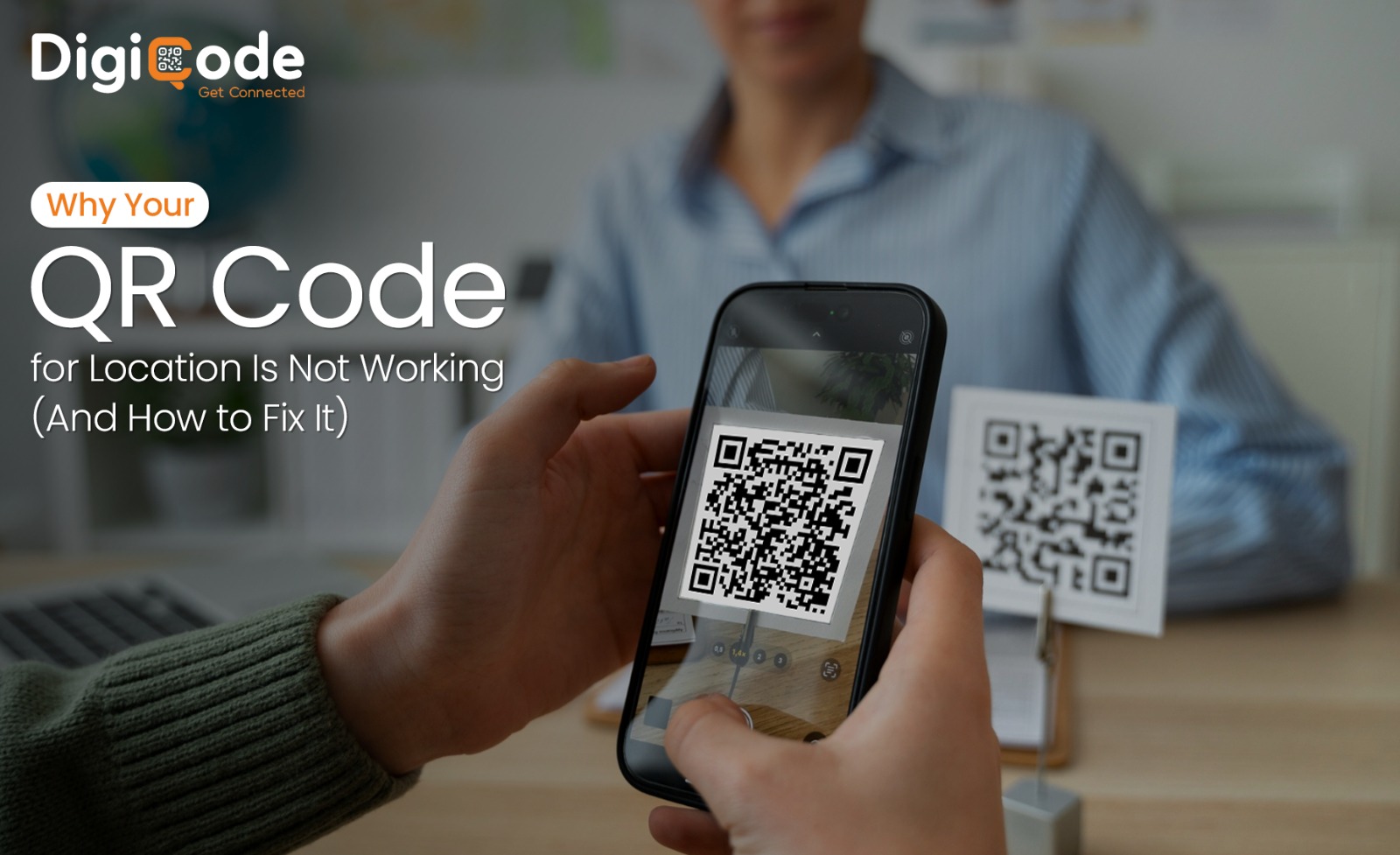
Why Your QR Code for Location Is Not Working (And How to Fix It)
Category: QR code for location
A QR code for location is meant to remove friction from the user journey. With a single scan, it should open the exact map pin and guide users without confusion. That is why businesses rely on it for storefronts, events & on-ground campaigns where every interaction matters.
However, in many cases, the experience does not go as expected. The scan may work but the map does not open correctly. At times, nothing happens at all. As a result, users face confusion and may drop off before reaching the destination. What makes this more difficult is that the QR code often appears correct, yet certain issues in its link setup, design or placement affect its performance.
Once these gaps are identified, the problem becomes easier to handle. In most situations, the failure is not linked to specific factors that can be corrected.
In the following sections, we will explain the key reasons behind these issues & how each one can be resolved to ensure consistent and reliable scanning:-
Why Is Your QR Code for Location Not Working?
Most people assume QR codes stop working because of “system issues.” That’s rarely the case. In most audits across retail and service businesses, the problem falls into four clear areas: data, design, size and environment:-
1. Incorrect or broken location link
This is the most common issue. Many users create a QR code for google map location but copy the wrong link or miss key parts like “https://”. Sometimes the pin itself is incorrect or shortened incorrectly.
In a lot of cases, the QR code scans properly - but the map doesn’t open or redirect to a blank page.
Fix:-
Carefully check the link before generating the QR code. Open it on different devices to confirm that it leads directly to the correct map. If you are using a QR code to share location, ensure that it does not pass through unnecessary redirects.
2. Low-quality design and resolution issues
A QR code is not just an image. It is a machine-readable pattern. When the file quality drops, scanners struggle to read it accurately. This often happens when low-resolution files are downloaded & when images are resized without maintaining proportions.
These issues are more visible in printed materials such as banners, flyers & visiting cards.
Fix:-
High-resolution formats should always be used. Vector files such as SVG, are preferred because they scale without losing quality. It is also important to avoid stretching or compressing the QR code after downloading. A good location QR code generator will provide outputs that remain sharp and readable across different formats.
3. Poor contrast and excessive design changes
Design plays an important role but readability should always come first. Many QR codes fail because of low contrast between the foreground and background. Light colors on light backgrounds or the use of gradients can make the pattern difficult to detect.
In addition, over-customization creates further complications. When logos, colors or shapes are added without control - they interfere with the scanning structure.
Fix:-
The QR code should maintain a clear contrast, ideally with a darker foreground on a lighter background. The design should remain simple so that scanners can detect it easily. A QR code for pin location performs better when the pattern remains clean and undistorted. If branding elements are required, they should be placed in the center without affecting the edges.
4. Missing a quiet zone and dense data structure
A QR code requires a blank space around it, known as a quiet zone. This area helps scanners identify the boundaries of the code. When this margin is missing, the scanner may fail to detect the code correctly.
Another related issue is data density. When long links or unnecessary parameters are embedded, the QR code becomes more complex. This increases the chances of scanning errors especially on lower-end devices.
Fix:-
A proper margin should always be maintained around the QR code. Using a trusted free location QR code generator ensures that this spacing is applied automatically. At the same time, the link structure should be kept simple. Dynamic QR systems can reduce complexity and improve readability.
Does Size and Placement Affect QR Code Scanning?
Even when the QR code is technically correct, placement can affect how it performs. Size is one of the most important factors. If the code is too small, the camera cannot focus on it properly. If it is too large, it may not fit within the scanning frame.
There is a practical approach to sizing. The scanning distance should guide the size of the QR code. The farther the user stands, the larger the code should be.
This becomes important when using a QR code for address location on posters, hoardings or signboards. Poor sizing reduces usability even if everything else is correct.
Placement also influences performance. Surfaces such as glass or glossy materials create reflections that interfere with scanning. Similarly, placing the code too high or too low makes it less accessible.
Fix:-
QR codes should be placed at a comfortable eye level. Matte surfaces should be preferred to avoid reflections. Adding a small instruction like “Scan for location” improves user interaction. A properly positioned gps location QR code improves scan success in real environments.
Can Device or Environment Impact QR Code Performance?
In some situations, the QR code works correctly but external factors affect the scan. Older devices may not support direct QR scanning through the camera. Also, if the camera lens is dirty or has smudges - the QR code may not scan properly.
Lighting conditions also play a role. Very bright light, glare & deep shadows can disrupt the scanning process.
Fix:-
Users should ensure that their camera lens is clean before scanning. Also they should be placed in well-lit areas with balanced lighting. It is also useful to provide a backup link in case scanning is not possible. A well-planned QR code location sharing setup takes these conditions into account.
How Can You Ensure Your QR Code for Location Works Every Time?
To ensure consistent results, a few essential steps should always be followed:-
- Verify the link before generating the QR code
- Use high-resolution and scalable formats
- Maintain clear contrast and simple design
- Adjust size based on scanning distance
- Keep the link structure clean and short
- Test across multiple devices before final use
A well-created QR code for location performs reliably only when both technical setup and real-world usage are considered together.
How to Choose the Right QR Code Generator for Reliable Location Scanning
Now that you are aware of the common issues behind QR code failures - it becomes easier to control how your QR codes perform. Most problems are not complex but they do require attention to detail in how the link is added, how the code is designed and where it is placed. When these elements are handled correctly, the scanning experience becomes smooth & reliable for every user.
This is where using the right platform makes a clear difference. With Digi QR Code Generator, you get a free location QR code generator built to minimise such errors from the start. From accurate link handling to high-quality output, we focus on helping your QR codes perform consistently in real-world conditions.
Want to create a QR code that actually works every time? Try Digi QR Code Generator and get started in minutes.
FAQs
1. Why does my QR code for location open the wrong place?
This usually happens when the Google Maps link is copied incorrectly or shortened without testing. Always verify the link before generating the code.
2. Can a QR code stop working after printing?
Yes, if it’s a dynamic QR code with limits or an expired campaign. Static QR codes usually don’t expire but broken links can still cause failure.
3. What is the best way to ensure QR codes always scan properly?
Use high-resolution design, proper contrast, correct sizing and test across multiple devices before final use.